TV & Mounting
How high to mount a TV: heights that actually work
How high to mount a TV, with a table of floor-to-bottom-of-screen heights and viewing distances by screen size, plus the bedroom and above-console exceptions.
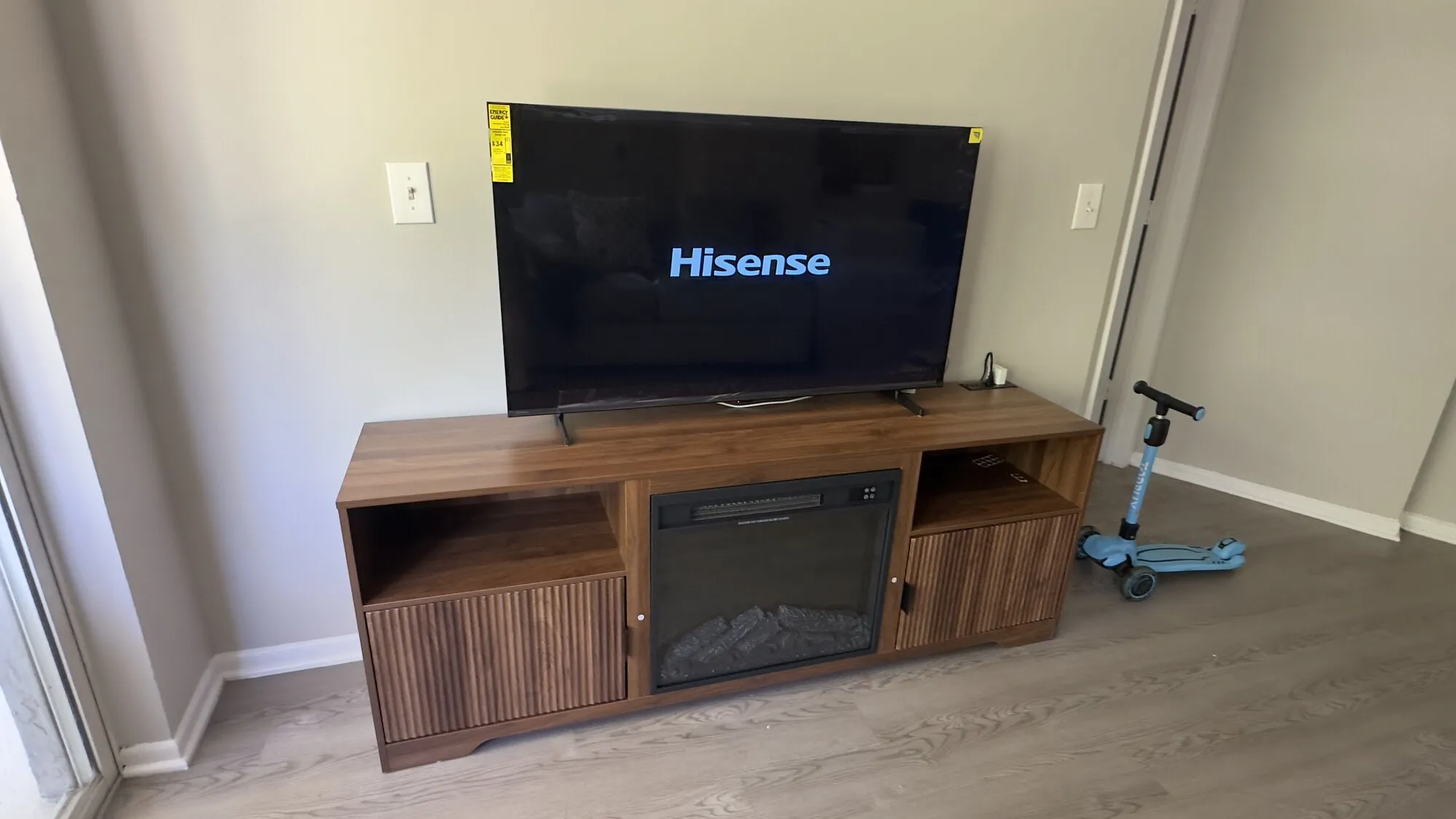
The most common TV mounting mistake in South Florida is not a bad anchor. It is a screen mounted eight inches too high because it looked right while everyone was standing up in the room, holding a tape measure and nobody was sitting down.
You will fix a bad anchor in an afternoon. You will live with a bad height for a decade. So do this part first.
The one rule everything else comes from
Put the center of the screen at seated eye level.
Not the top, not the bottom, the center. And not your standing eye level — the height of your eyes when you are sitting in the chair you actually watch from, in the position you actually sit in.
For a typical sofa with a seat around 17 or 18 inches off the floor, adult seated eye level lands somewhere around 40 to 45 inches. Forty-two inches is the number most installers work from as a default, and it is a good default. But sofa seat heights vary by four or five inches between a low modern piece and a high traditional one, so spend two minutes measuring rather than inheriting my average.
How to measure it: sit down normally, look straight ahead, and have someone put a tape measure on the floor and read off the height of the center of your eye. Do it for whoever watches the most TV. Write the number down.
The height and distance table
Once you have your eye height, the bottom of the screen is simple arithmetic: eye height minus half the screen height.
A 16:9 TV’s height is about 0.49 times its diagonal, and its width is about 0.87 times its diagonal. So a 65 inch TV is roughly 31-1/2 inches tall and 56-1/2 inches wide. Modern bezels add well under an inch, so the panel diagonal is close enough to work from.
The table below assumes a 42 inch seated eye level. Adjust every height in it by the same amount your measured eye level differs.
| Screen size | Screen height | Floor to bottom of screen | Floor to center | Viewing distance (4K) |
|---|---|---|---|---|
| 43 in | 21 in | 31-1/2 in | 42 in | 4.5 to 5.5 ft |
| 50 in | 24-1/2 in | 30 in | 42 in | 5 to 6.5 ft |
| 55 in | 27 in | 28-1/2 in | 42 in | 5.5 to 7.5 ft |
| 65 in | 32 in | 26 in | 42 in | 6.5 to 8.5 ft |
| 75 in | 37 in | 23-1/2 in | 42 in | 7.5 to 10 ft |
| 85 in | 42 in | 21 in | 42 in | 8.5 to 11.5 ft |
Notice what the fourth column does: it never changes. That is the point. The center stays at eye level and the bottom of the screen drops as the TV gets bigger. If you have been told “mount the bottom at 30 inches,” that advice was written for a 50 inch TV and it will hang your 85 inch screen nearly a foot too high.
Where the viewing distances come from
The two ends of that range are the two standards people actually use. The wider figure comes from filling roughly 40 degrees of your field of view, which is the immersive, cinema-style recommendation and works out at about 1.2 times the diagonal. The narrower figure comes from filling about 30 degrees, a more conservative recommendation, at about 1.6 times the diagonal. Anywhere between the two is fine for 4K content.
If most of what you watch is old 1080p broadcast or compressed streaming, sit toward the far end. Upscaled 1080p at 1.2 times the diagonal shows you every artifact in it.
And if the room forces you to sit at 14 feet, that tells you something useful about screen size: 14 feet is 168 inches, which at 1.6x wants a screen around 105 inches. In other words, in a big room, the TV you think is too big probably isn’t.
The upper limit: the 15 degree rule
Sometimes the screen has to go higher than ideal — above a console, above a fireplace, in a room where a window eats the good wall. There is a defensible ceiling on how far you can push it.
The widely used recommendation is that the center of the screen should sit no more than 15 degrees above your seated eye level. Above that, the neck extensors are working continuously to hold your head back and you feel it after an hour.
Fifteen degrees is an angle, so it converts to a different height depending on how far away you sit:
| Viewing distance | Max center height above eye level | Max center height off the floor (42 in eye level) |
|---|---|---|
| 6 ft | 19 in | 61 in |
| 8 ft | 26 in | 68 in |
| 10 ft | 32 in | 74 in |
| 12 ft | 39 in | 81 in |
That is a genuinely useful table, because it tells you the fireplace answer without arguing about it. A mantel that puts the center of a 65 inch TV at 78 inches, viewed from 9 feet, is outside the limit. You can measure it and know.
Anything above eye level should also be on a tilting mount. Match the tilt roughly to the sight line: if the screen center is 16 inches above your eyes at a 10 foot viewing distance, that is about 8 degrees, so tilt about 8 degrees. Tilt improves more than comfort — on many LCD panels, viewing from well below the screen visibly reduces contrast and shifts color, and aiming the panel at your face fixes it. TV mount types explained covers which mounts tilt and how far.
The bedroom exception
Bedrooms break the rule for a good reason: you are not sitting upright, and your eye line points upward.
Mounted at living room height, a bedroom TV means propping your chin on your chest all evening. The fix is to mount higher and tilt down harder.
How to get it right: get into bed in your normal watching position — propped against the headboard, or flat, whichever you actually do. Have someone measure the height of your eye off the floor and note the angle your face is pointing. Mount the center of the screen on that sight line. On most beds this ends up with the bottom of the screen somewhere between 40 and 55 inches off the floor, but the spread is wide enough that measuring beats guessing.
Use a tilting mount with real range, and check the tilt with the TV powered on before you tighten the final bolts. Bedroom installs are also where the cardboard mock-up pays for itself.
The above-console case
Most living rooms have a console, a credenza or a fireplace under the TV, and it sets a floor on how low the screen can go.
- Leave 4 to 8 inches between the console top and the bottom of the screen. Less than that and it looks cramped and you cannot get a hand behind the panel.
- If a soundbar sits on the console, it changes the math. Bars are commonly around 2-1/2 to 4 inches tall, and you want at least a couple of inches of clear space above it so it does not block the bottom of the picture or the TV’s IR receiver. A 24 inch console plus a 3-1/2 inch bar plus 2 inches of clearance puts the bottom of the screen at nearly 30 inches.
- Compare that with the table. For a 65 inch TV, ideal is 26 inches — so a tall console has just pushed you 4 inches high.
- The fix: wall-mount the soundbar directly under the TV instead of standing it on the console, or use a lower console. Console heights in the low 20s work much better with big screens than the 30 inch media cabinets that were designed for tube TVs.
Do not center the TV on the console if the console is not centered on the seating. Center it on where people sit. The furniture is not watching.
Before you drill: the cardboard test
Five minutes, and it has saved more installs than any tool I own.
- Cut a rectangle of cardboard the size of your screen, or tape newspaper together to the right dimensions. Use the actual outer dimensions, not the diagonal.
- Tape it to the wall at your calculated height with painter’s tape.
- Sit down in every seat that matters. Look at it. Do not stand up to evaluate it — standing up is what causes this whole problem.
- Leave it there for a day. Walk past it. Watch how the light hits it in the afternoon, especially on a west-facing wall, which in South Florida is a real consideration from about 4pm.
- Mark the top edge on the wall in pencil once you are happy, then work down to the bracket position from there.
If you have to move the marks by three inches, you have just spent five minutes instead of patching four holes.
Other things that move the answer
- Glare. A screen aimed straight at a window will be a mirror at some point every day. Mounting slightly higher with more downward tilt, or shifting the whole install to a different wall, is usually better than fighting it with curtains.
- Kids and traffic. A low-mounted screen in a walkway takes elbows and toys. Consider going toward the top of the acceptable range rather than the ideal.
- Furniture you plan to buy. Height is set by the seating. If the sofa is being replaced next month, wait, or ask the store for the seat height.
- Ceiling height. In older Florida homes with 8 foot ceilings and a mantel, the geometry sometimes just does not work for a big screen. That is information, not a challenge.
- Wall structure. In a concrete block home, you have freedom to mount at exactly the height you want, because block does not care where the studs are. In a wood-framed wall you are constrained horizontally by stud spacing but not vertically. See mounting a TV on a concrete block wall and how to find a stud.
Safety and when to stop
- Do not mount high to make it fit. A screen mounted where it does not belong ends up watched from the kitchen and ignored from the sofa.
- Do not mount a large screen low in a high-traffic room without checking that the bottom edge is out of the way of chair backs, doors and vacuum handles.
- Do not compromise the wall connection to hit a height. If the height you want lands on a spot with no structure behind it, move the mount or add a backer — do not switch to weaker fasteners to make the number work.
- Two people for the lift. Getting a 75 inch panel to 24 inches off the floor is awkward in a different way than getting it to 60 inches, and both are two-person jobs.
When it’s worth calling someone
Height is free to get right and expensive to get wrong, and most people only find out which they did after the drywall dust is cleaned up. If you would rather someone else own that decision, I do TV mounting throughout Broward, Palm Beach and north Miami-Dade and will mock the height up on the wall before anything gets drilled. The full install walkthrough is in how to mount a TV on the wall, and if the fireplace is in the running, read mounting a TV above a fireplace first.
Questions people ask about this
How high should a 65 inch TV be mounted?
For a normal sofa, about 26 inches from the floor to the bottom of the screen. That puts the center of a 65 inch panel near 42 inches, which is roughly seated eye level for most people. Measure your own seated eye height before committing, because sofa seat heights vary by several inches.
Should the center of the TV be at eye level?
Yes, that is the target. Sit in the chair you actually watch from, have someone measure floor to the center of your eye, and put the middle of the screen at that height. For a standard sofa this lands somewhere around 40 to 45 inches. Everything else in TV height guidance is a variation on this one rule.
How far should I sit from a 65 inch TV?
Roughly 6-1/2 to 8-1/2 feet for 4K content. Closer than that and you start to see the panel structure and lose the edges of the frame; much farther and you are not getting the benefit of the screen size you paid for. The working range is about 1.2 to 1.6 times the screen diagonal.
Is it bad to mount a TV too high?
Yes, and it is the most common mistake. Looking up for two hours loads the neck extensors continuously, and on many LCD panels the picture also washes out when viewed from below. As a limit, keep the center of the screen no more than about 15 degrees above your seated eye level, which at a 10 foot viewing distance is about 32 inches above eye height.
How high should a TV be in a bedroom?
Higher than in a living room, because you watch it lying down or propped against the headboard, and your eye line goes upward. Get into bed in your normal position, have someone measure your eye height and note the angle, and mount to that with a tilting bracket. On a typical bed this puts the bottom of the screen somewhere in the 40 to 55 inch range.
How high above a console should a TV be mounted?
Leave 4 to 8 inches between the top of the console and the bottom of the screen, or enough to clear a soundbar with a couple of inches to spare. If that pushes the screen above comfortable eye level, wall-mount the soundbar under the TV instead of standing it on the console.